
Custom hats
Custom Hat Artwork and Proof Guide
A clear way to plan custom hats for businesses, crews, teams, events, client gifts, and small-batch merch.

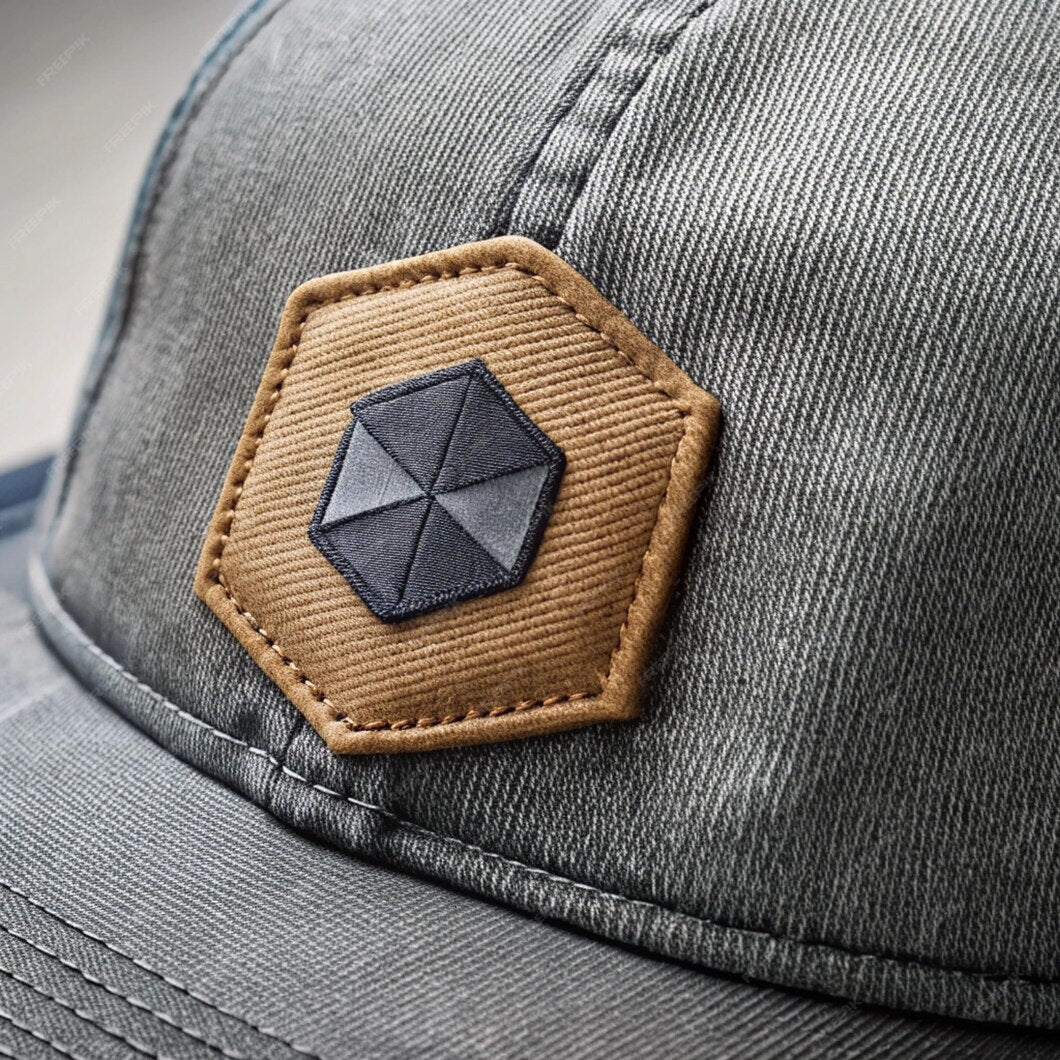
Clean, bold designs generally work best for leather patches.
What makes good artwork?
Clean, bold designs generally work best. Very fine lines, tiny text, and crowded details may not engrave clearly at patch size, so simple marks and readable lettering are usually the safest starting point.
- 1Send a logo, sketch, photo, PDF, or clear design notes.
- 2Include quantity, deadline, shipping ZIP, and who the hats are for.
- 3Choose leather patch, embroidery, beanie, flat bill, fitted-style, or patch-only.
Proof before production
BCH reviews obvious artwork, placement, and readability issues before production so the finished hat is easier to recognize and wear.
Good fits for Custom orders

Leather patch truckers
Best for bold logos, brands, initials, and wearable company merch.

Embroidery
Good for clean uniform-style marks and simple text logos.

Outdoor colors
Useful for crews, ranches, hunting, fishing, and workwear-adjacent styles.
Order confidence
Send the logo or artwork, quantity, deadline, shipping ZIP, preferred hat style, and any patch or embroidery notes before relying on timing.
Blackwater Creek Hat Company is based in Robertsdale, Alabama. Questions before ordering? Call 251-284-0775 or email contact@bwc-hc.com.